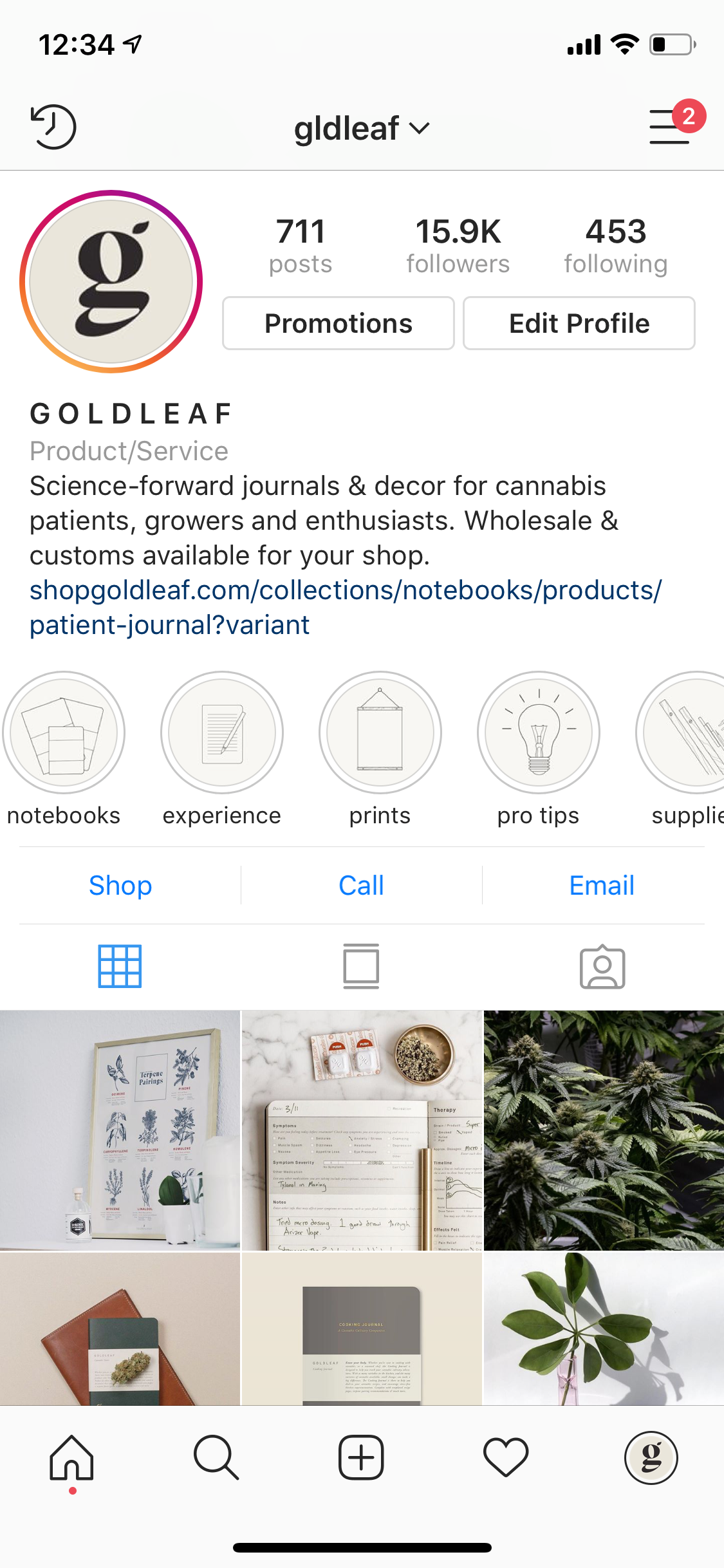
Once you checkout you will receive an automatic email from our team with a link to download all templates and icons. Once you review the template options and icons then click on the "Customization Form" link on the same email.
Filling out the Customization Form Link - Deciding between:
1. Business name, Logo, or Website placement on the Highlight Cover. *the website www.example.com will not link, but used for brand awareness and the higher likelihood that no one will steal your highlight cover.
2. Category Title for each Highlight Cover. Example: Travel, BTS, Fashion, Skin-care, etc.
3. List the icon based on the title of the icon **you will be able to see the title when you view the Highlight Cover - Icon File folder we share with you via on the same email thread.
4. Background Template - Please let us know the title of the background template. **you will be able to see the title when you view the Highlight Cover - Backgrounds File folder we share with you via on the same email thread.